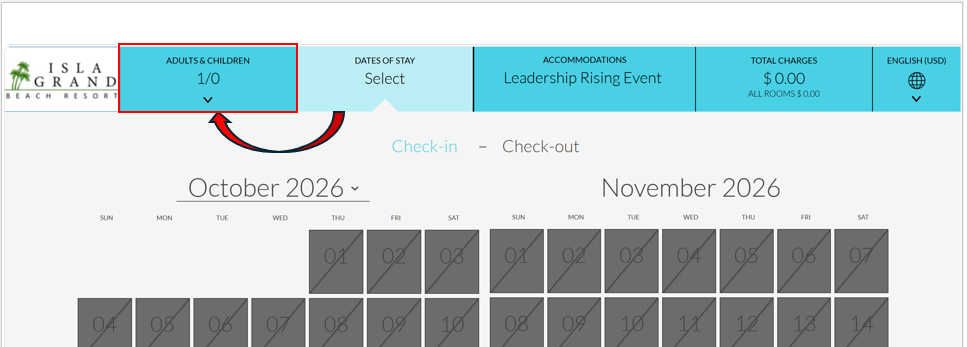

ATTENTION: In some browsers, the user will begin the registration process in the 2nd step, selecting the dates of your stay, and it will default to 1 adult for occupancy. If this happens to you, and if you need to make a reservation for more than 1 person in your room, just click on the Adults & Children box, which will take you to the first step in the registration process, where you can update the occupancy number.